


Okay, so let me tell you about the worst plane ride of my life. I’m sitting there, flight’s delayed for two hours, finally board the plane, get comfortable with my neck pillow and everything. I’m ready to watch the entire season of that show I downloaded last week. I open Netflix, tap the episode, and boom – “This download has expired.”
Are you kidding me right now? I literally wanted to cry. Eight hours ahead of me with nothing but the safety instruction card to read. That’s when I became obsessed with figuring out exactly how long do Netflix downloads last and why they disappear when you need them most.
Turns out, I wasn’t alone. Millions of people deal with this frustration every single day. So I did a deep dive into everything about Netflix downloads – the good, the bad, and the super annoying. And honestly? Once you understand how this whole thing works, you’ll never get caught off guard again. Let me break it all down for you in plain English.
So… How Long Do Netflix Downloads Actually Stick Around?
Here’s the thing – there’s no simple answer. I know, annoying right? But stick with me because it makes sense once you get it.
If you download something but don’t watch it yet: You’ve got anywhere from 7 to 30 days before it disappears. Different shows and movies have different rules (more on why later).
Once you hit play: That’s when the clock really starts ticking. You’ve got 48 hours – that’s it. Two days to finish whatever you started watching, whether it’s a 20-minute episode or a 3-hour movie.
I learned this the hard way with a downloaded Netflix movie I started watching at home, then tried to finish on my flight three days later. Nope. Gone. Had to re-download it at the airport using sketchy airport WiFi that cost me $15.
Quick Reference (Because I Know You’re Skimming)
Here’s what you actually need to know:
- Haven’t watched it yet? Good for 7-30 days (depends on what you downloaded)
- Started watching? Finish it within 48 hours or it’s bye-bye
- Less than 7 days left? Netflix will actually show you a countdown timer
- Show got removed from Netflix? Your download dies immediately too
Why Do My Netflix Downloads Keep Expiring? (The Honest Truth)
Look, I get it. You downloaded it to YOUR phone with YOUR subscription. Why can’t you just keep it forever? I thought the same thing until I understood what’s really going on behind the scenes.
It’s All About Licensing (Unfortunately)
Netflix doesn’t actually own most of the stuff you’re watching. They’re basically renting it from the actual studios and creators. And those contracts have super specific rules about offline viewing.
Think of it like this: you can’t buy a movie ticket and then come back to watch the same movie for free six months later. The license Netflix has to show you that content comes with time limits – even for downloads.
They’re Trying to Stop Piracy
Real talk? Netflix doesn’t want people downloading a bunch of stuff, canceling their subscription, and keeping everything forever. That would be chaos. The expiration dates keep things fair and prevent people from basically stealing content.
They Want You to Actually Use the App
Netflix isn’t dumb. They know if downloads lasted forever, you might download a ton of stuff and then barely open the app for months. The time limits keep you coming back, checking what’s new, and staying engaged.
Is it annoying? Yes. But from their perspective, it makes total sense.
Your Netflix Plan Matters WAY More Than You Think
Not gonna lie, I didn’t realize how different the Netflix download limits were until I tried to download stuff on my friend’s account. Completely different experience.
If You Have the Ads Plan (The Basic One)
This one’s pretty limited for downloads:
- Only 15 downloads per device each month
- That limit resets on the 1st of every month
- You have to watch ads even in your downloaded content (yeah, seriously)
- Can’t download and stream on multiple devices at once
Honestly? If you travel a lot or want to download stuff regularly, this plan’s gonna frustrate you.
Standard Plan (No Ads)
This is what most people have, and it’s way better for downloads:
- 100 downloads per device (that’s a LOT)
- Works on 2 devices at the same time
- Everything’s in Full HD quality
- No annoying ads interrupting your binge
Premium Plan (The Fancy One)
If you’ve got the Premium subscription:
- Still 100 downloads per device
- But you can download on 4 different devices
- Best video and audio quality Netflix offers
- Perfect if you’re sharing with family
Quick heads up: Even with Premium, your downloads won’t be in 4K. Netflix keeps downloaded stuff at 1080p max, which honestly still looks great on your phone or tablet.
What Actually Happens When Your Download Expires?
So you open Netflix and see “Download Expired” staring back at you. Now what?
Don’t Panic – You Can Usually Fix It
Most of the time, you can just download it again. Here’s exactly what to do:
On Your Phone or Tablet:
- Open Netflix app
- Tap “Downloads” at the bottom
- Find whatever expired
- Tap that little download icon next to it
- Delete it
- Go back to the show or movie page
- Download it again fresh
Easy peasy… usually.
Except When You Can’t (The Annoying Part)
Sometimes Netflix hits you with these messages:
- “This title can only be downloaded one more time”
- “You’ve reached the yearly download limit for this video”
Yeah, some shows and movies have actual limits on how many times you can download them total. It’s based on what the studios agreed to. Super annoying, but there’s nothing you can really do about it.
Also – and this is important – if a show or movie is about to leave Netflix completely, your download will expire to match. So if “The Office” is leaving on December 31st, your downloaded episodes will die then too, even if you just downloaded them.
Where Can You Actually Download Netflix Stuff?
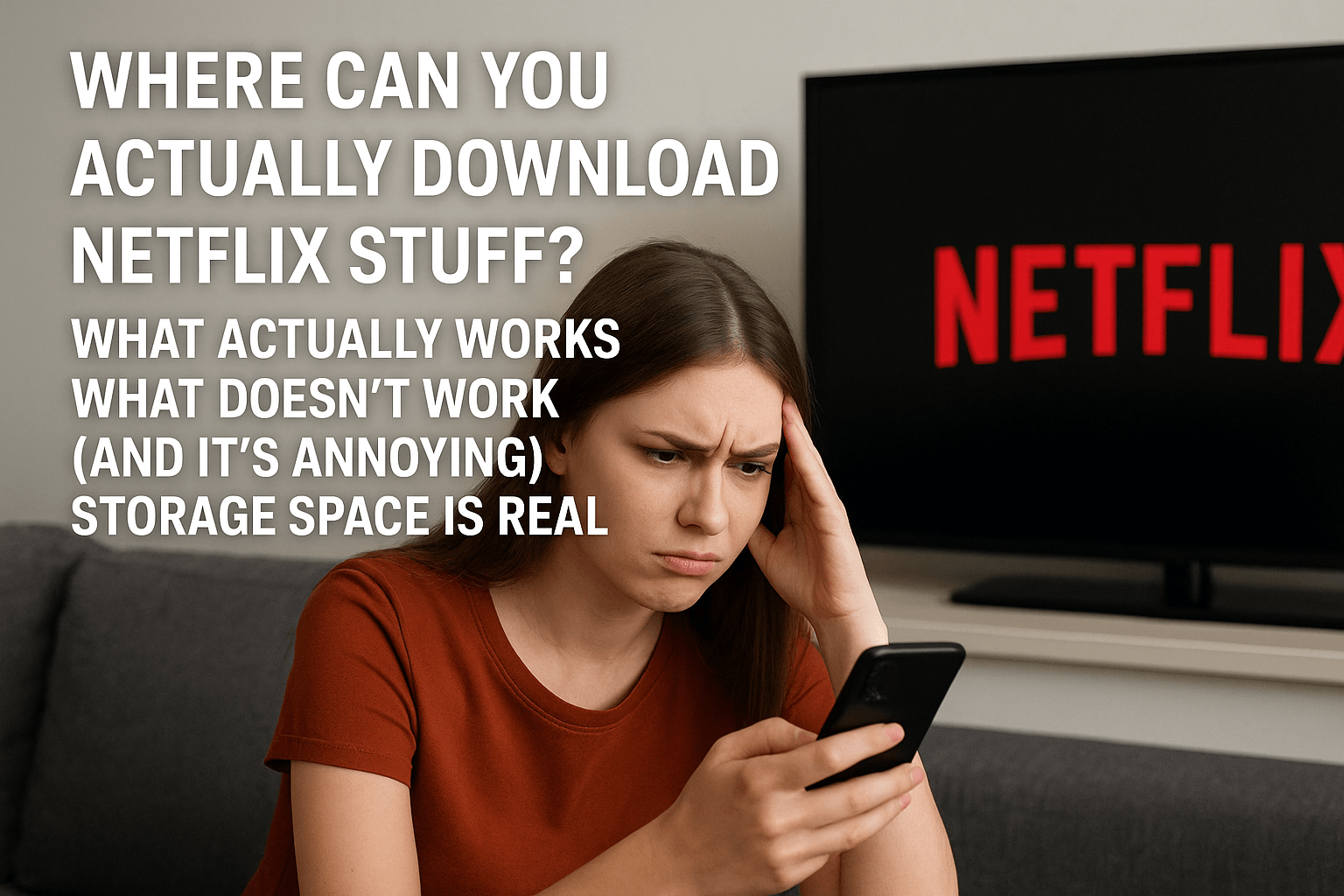
This part frustrated me so much because I assumed I could download on my laptop. Wrong.
What Actually Works
You can download Netflix content on:
- iPhones and iPads (iOS 9.0 or newer)
- Android phones and tablets (version 4.4.2 or higher)
- Chromebooks that have the Google Play Store
What Doesn’t Work (And It’s Annoying)
No MacBook downloads. Never have been, probably never will be. And here’s a fun fact that made me genuinely upset: Netflix used to let Windows users download stuff through their Windows app. They killed that feature in June 2024. Just… removed it completely.
So if you’re trying to download Netflix movies on laptop for a trip? You’re out of luck unless you have a Chromebook.
Storage Space Is Real
Each download eats up your phone storage:
- A 1-hour HD episode: about 1-3 GB
- A full movie in HD: anywhere from 3-7 GB
If you’re downloading the entire season of something, make sure you’ve got room. Nothing worse than getting stuck at 90% downloaded because your phone’s full of screenshots you forgot to delete.
Tips I Wish Someone Told Me Earlier
After dealing with all this download drama, here’s what actually works:
Check Your Downloads Before You Travel
Netflix shows you when something’s about to expire if it has less than 7 days left. Get in the habit of checking your Downloads section before any trip. Takes two seconds, saves you from disaster.
Smart Downloads Is Actually Smart
If you’re on an ad-free plan, turn on Smart Downloads. It automatically:
- Deletes episodes you already watched
- Downloads the next episode when you’re on WiFi
- Manages your storage so you don’t run out
It’s honestly one of Netflix’s best features and barely anyone uses it.
Download 1-2 Days Before You Need It
Don’t download stuff weeks in advance. Download it like 24-48 hours before your flight or road trip. This way:
- You know it won’t expire
- You can test that it actually plays
- You haven’t wasted storage space for weeks
- If something goes wrong, you have time to fix it
Be Careful With Your Netflix App
If you delete the Netflix app or clear its data, ALL your downloads disappear. Every single one. I’ve done this by accident and wanted to throw my phone.
Be extra careful when:
- Updating your phone’s operating system
- Cleaning up storage and clearing app caches
- Switching to a new phone
- Uninstalling and reinstalling apps
Common Problems (And How to Fix Them)
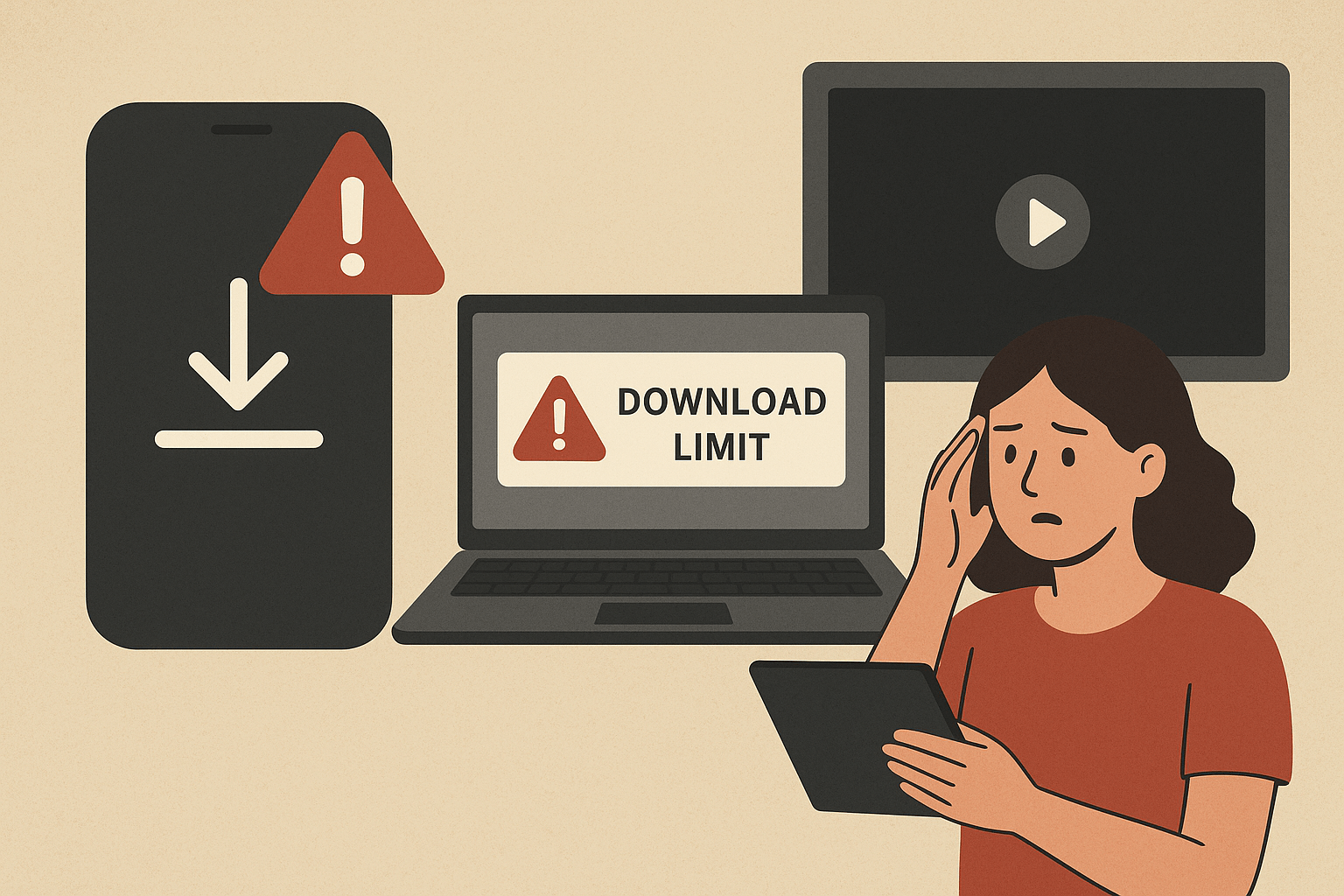
“You Have Downloads on Too Many Devices”
This means you maxed out your plan’s device limit. The fix? Go into each device and manually delete some downloads, or check your account settings online to see which devices have downloads.
“Download Limit Warning”
Some shows and movies just have hard limits. Like, “you can only download this 5 times per year” kind of limits. If you hit it, you’re stuck waiting until next year or just streaming it when you have internet.
Your Downloads Aren’t Showing Up
This has happened to me a few times:
- Make sure you’re on the right profile (I’ve forgotten which one I downloaded stuff on)
- Check your storage isn’t completely full
- Update the Netflix app
- Close the app completely and reopen it
Black Screen When You Try to Watch
Usually this means:
- Your download expired and you didn’t notice
- Some weird technical glitch with DRM protection
- Your app needs updating
- Your device is having issues
First thing to try? Delete it and download it again.
How to Make Your Downloads Last as Long as Possible
Since downloaded videos last for 48 hours after you start watching them, here’s my strategy:
For Shows (Multiple Episodes): Download them 2-3 days before you’ll start watching. Don’t hit play until you’re actually ready to binge. Once you start, you’ve got 48 hours to finish the season or at least finish the episodes you downloaded.
For Movies: Download 1-2 days before your flight or trip. Seriously, don’t download movies weeks in advance. The expiration timer is already ticking down on those 7-30 days.
Most Important Rule: Never start watching something unless you can finish it within 48 hours. I cannot stress this enough. The second you hit play, that 48-hour countdown starts, and it doesn’t care if you only watched five minutes.
Questions Everyone Asks (Including Me)
Can I watch my downloads after I cancel Netflix?
Nope. The second your subscription ends, everything becomes unwatchable. All your downloads turn into digital paperweights instantly.
Why do some downloads expire way faster?
It depends on what deal Netflix has with whoever owns the content. Netflix Original shows usually last longer than movies they licensed from other studios.
Can I move downloads to another phone?
No way. They’re locked to whatever device you downloaded them on. The files are encrypted and tied to that specific app on that specific device.
How do I see when something expires?
Open Downloads in the Netflix app. Anything with less than a week left will show you exactly how much time is remaining.
Do downloads use my data?
Downloading uses data (obviously). But watching them offline doesn’t. Although heads up – Netflix might use tiny bits of data in the background to verify your subscription is still active.
Can I keep them forever if I just never connect to internet?
Nice try, but no. Even offline, the app knows when things expire. Plus Netflix needs to occasionally verify your subscription is active.
My Before-Trip Checklist (Because I’m Paranoid Now)
One Week Before:
- Check what you already downloaded
- Delete old stuff you already watched
- Make sure your Netflix subscription is paid up
- Check your phone storage
2-3 Days Before:
- Download everything you want to watch
- Actually play each one for 10 seconds to make sure it works
- Check the expiration dates on everything
- Charge your devices fully
Day of Travel:
- Turn on airplane mode to save battery
- Don’t start watching until you’re actually settled in and ready
- Keep your Netflix app updated
- Maybe download one extra thing as backup
Things That Changed Recently (And You Should Know)
Netflix keeps changing their download rules, and some of them are super annoying:
- They killed Windows downloads in 2024 (still mad about this)
- Ad-supported plans have way stricter download limits now
- Smart Downloads got better and actually works well
- Storage management tools improved
Check the Netflix Help Center before big trips because they change stuff without really announcing it loudly.
The Bottom Line
Look, Netflix downloads are amazing when they work and super frustrating when they don’t. But now you know the rules:
Unwatched downloads: 7-30 days (varies by what it is)
After you hit play: 48 hours, no exceptions
The key is planning ahead. Don’t download stuff too early. Don’t start watching unless you can finish within two days. Check your expiration dates. And for the love of everything, test your downloads before you actually need them.
I haven’t had a “Download Expired” nightmare since I figured all this out. You won’t either. Now you can confidently download your shows, hop on that plane, and actually enjoy your Netflix offline viewing without any nasty surprises. Trust me, future you will thank present you for reading this whole thing.
